
What Is ERP Software, and Which Businesses Actually Need It
· by Dao Van Mong, CEO · 6 min read
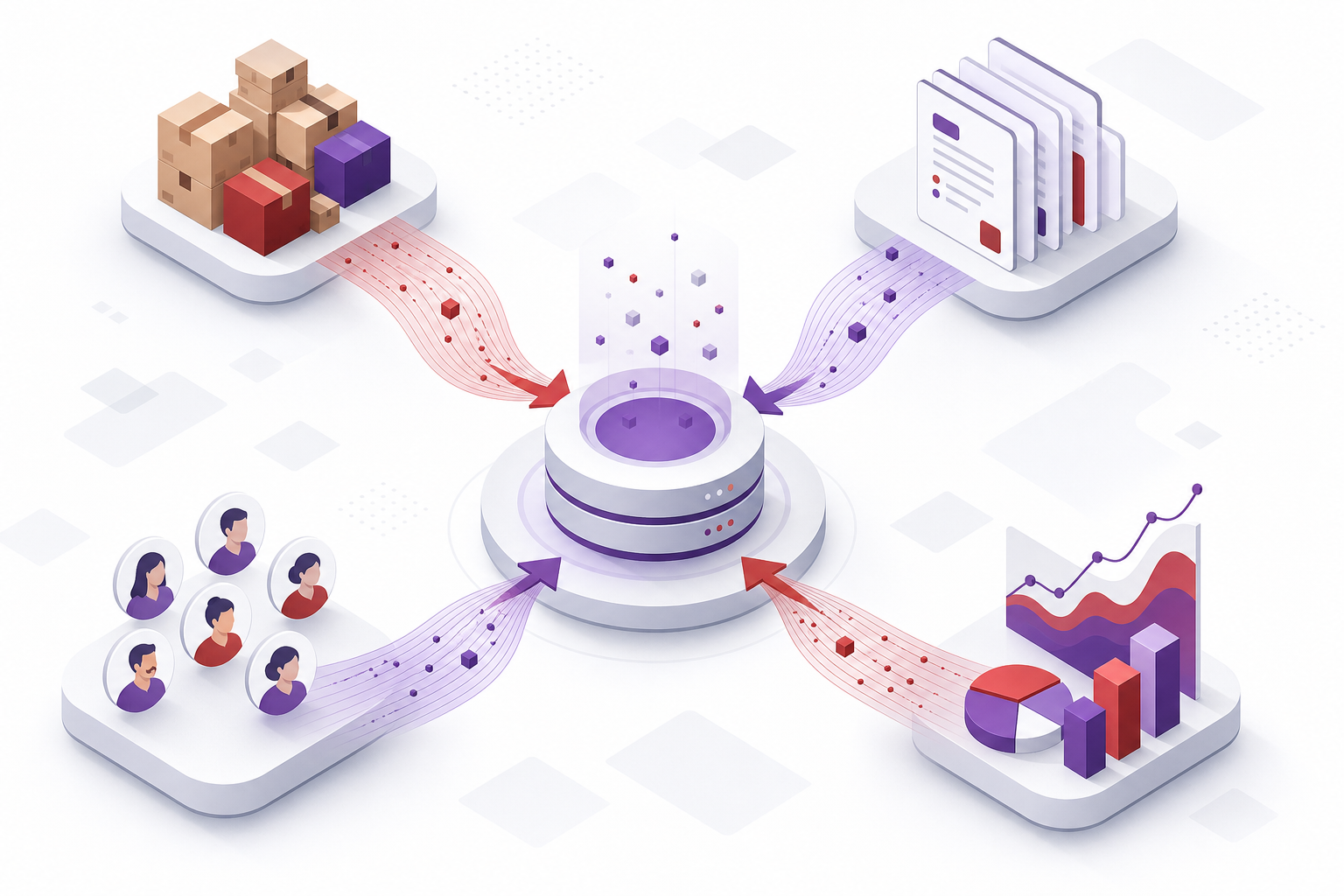
Ask ten software people to define ERP and you'll get ten different answers, but the real-world symptom is very specific: every time leadership asks "how much stock do we actually have" or "did we make money this month," the answer has to wait for accounting to reconcile three or four different spreadsheets. ERP (Enterprise Resource Planning) solves exactly that problem: it puts inventory, purchasing, sales, accounting, and HR on one shared data source instead of letting each department keep its own table and reconcile everything at month-end.
How ERP differs from standalone accounting or POS software
Accounting software keeps the ledger; point-of-sale software processes orders at the counter — both do one job well but don't talk to each other. When an order is created in the POS system, accounting still has to re-key it into the accounting system, and inventory still has to be manually deducted. ERP doesn't replace either tool with a better feature — it removes the re-keying step between them, because every module reads from and writes to the same database.
Which businesses actually need ERP
Not every business does. A single shop with one warehouse and a handful of staff usually hasn't hit the threshold yet — simple sales software is enough, and ERP at that stage just adds complexity to a process that's already running fine. ERP starts paying off once one of these shows up:
- Three or more sales points or warehouses, and consolidating stock across the whole system takes hours or has to wait until the next day.
- Purchasing needs multi-level approval (team lead, accountant, director) and currently runs through scattered emails or paper.
- Closing the books each month takes several days because figures from multiple sources don't reconcile cleanly.
- Headcount has grown to the point where manual time tracking and payroll start producing frequent errors.
Buy an existing product or build custom
Most businesses should start with an existing ERP product — lower cost and far faster to deploy than building from scratch. Custom-built ERP is only worth considering when the process is specific enough that no packaged software can model it, such as per-contract custom pricing for major clients, or an approval flow with many branches depending on order type. For most mid-size retail, distribution, or manufacturing businesses, an existing ERP product configured with the right modules already solves the core problem.
Common mistakes during ERP rollout
- Rolling out every module at once. Start with whichever module hurts the most today (usually inventory or accounting), get it stable, then expand.
- Skipping legacy data cleanup. Migrating years of inventory or customer data from spreadsheets without deduplication carries the old errors straight into the new system.
- Training everyone in one generic session. Warehouse staff and accounting staff use different parts of the system — a single one-size-fits-all training session usually doesn't stick.
Frequently Asked Questions
How long does ERP implementation take?
For an existing ERP product, rollout typically takes six to twelve weeks depending on the number of modules and data volume to migrate. A fully custom build can take three to six months or more.
Should small businesses use ERP?
If there's only one sales point and the process is still simple, usually not yet. ERP delivers the clearest value once there are multiple sales points or warehouses, or several departments that need synchronized data.
How is ERP typically priced?
Usually by number of modules deployed and number of connected sales points or warehouses, not by number of users — an important distinction to clarify with a vendor before signing.
This article covers ERP in general. If you are at the point of comparing what modules a specific system contains and how data moves between them, see the enterprise resource planning software we deploy.
About Cluvix
Cluvix Solutions builds custom enterprise software — ready-to-use products and tailor-made solutions built around your exact process.
Have a problem to discuss?
Tell us what you're dealing with. We reply within one business day.