
What Is CRM, and How Is It Different From Regular Sales Software
· by Dao Van Mong, CEO · 6 min read
A shop running sales software can tell you exactly how many orders closed yesterday, but not the more important question: ten prospects asked for a quote last week, how many are still deciding, and who needs a follow-up call before they forget and go to a competitor. CRM (Customer Relationship Management) exists to answer exactly that: it tracks a prospect's entire journey, from first contact to closed deal or lost opportunity, not just the transaction that eventually happens.
The core difference: tracking opportunities, not just recording transactions
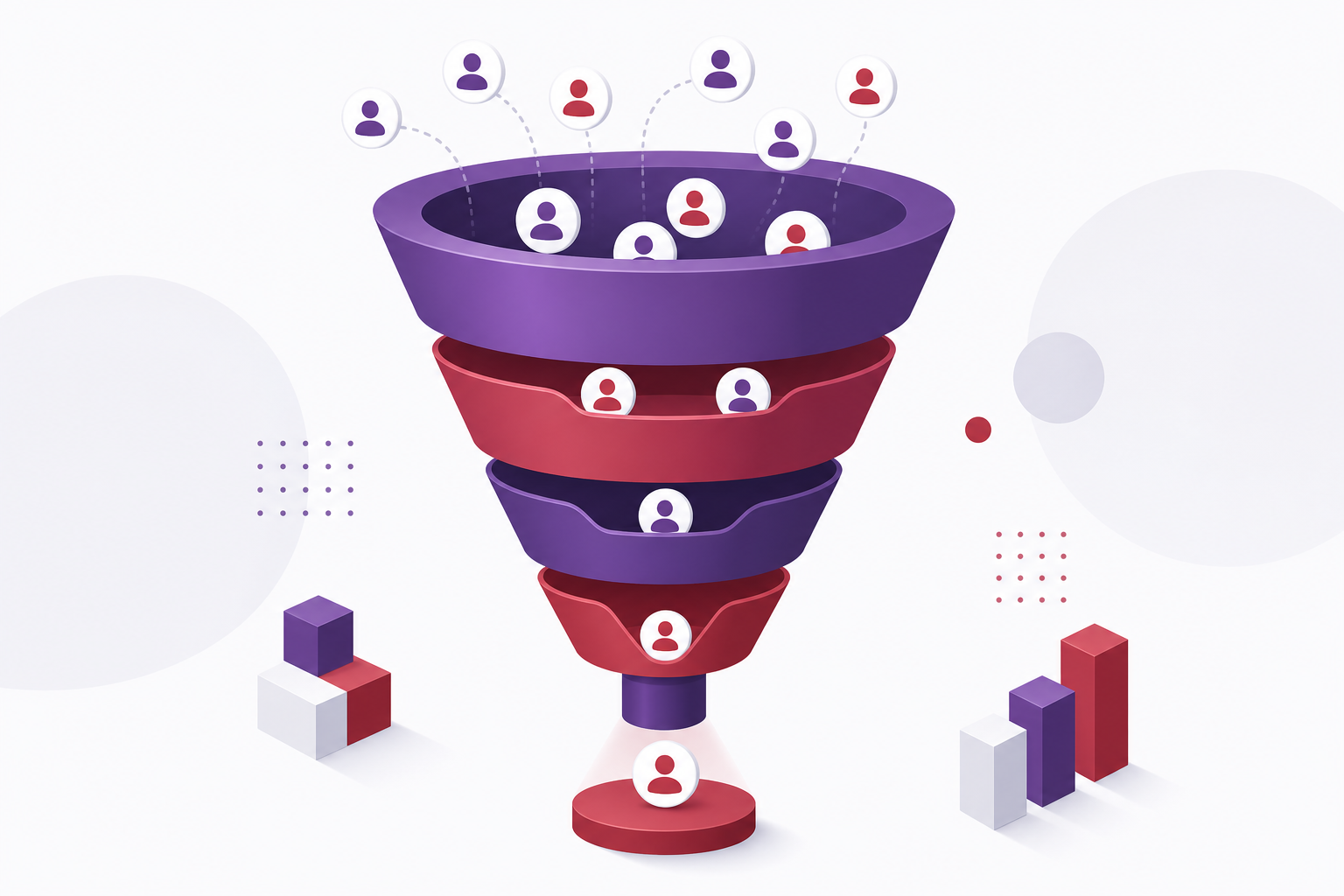
Sales software runs on an order model: create order, ship from stock, collect payment, done. CRM runs on a pipeline model: a prospect moves through stages — new lead, consulted, quote sent, negotiating, won or lost — and each stage calls for a different sales action. Without a CRM, those in-between stages (consulted, quote sent) usually live only in an individual salesperson's head or personal notebook, and vanish entirely when that person leaves.
Signs a business needs CRM
- The sales team has two or more people, and nobody can say for certain which prospects a colleague is already working — easy to end up with two people contacting the same lead.
- Prospects reach out through multiple channels (phone, chat, website form) but none of them are logged well enough for sales to follow up consistently.
- There's no reliable way to know what percentage of quote requests actually convert, making it impossible to judge marketing or individual sales performance.
- A salesperson leaves and takes an entire book of prospect relationships with them.
Do you need both CRM and sales software at once
For retail businesses with both a storefront and direct consultative sales (B2B, project-based, high order value), CRM and sales software usually complement rather than replace each other: CRM manages everything before a deal closes, sales software handles what happens after (fulfillment, invoicing, receivables). For pure counter retail where customers buy immediately with no consultative stage, CRM usually isn't necessary yet — sales software alone is enough.
Choosing a CRM: questions to answer first
- Is the sales cycle long or short? The longer it is (weeks to months to close a deal), the more a CRM matters to avoid losing track of prospects mid-journey.
- How big is the sales team? One person can manage with a notebook; from three people on, a shared tool becomes necessary to avoid overlap.
- What needs to integrate? Website forms, call center, and chat channels are the most common lead sources that should sync into CRM automatically instead of requiring manual re-entry.
Frequently Asked Questions
Can CRM replace a spreadsheet?
A spreadsheet can technically hold customer info, but it doesn't auto-remind follow-ups, doesn't sync across staff in real time, and is easy to accidentally overwrite — exactly the gaps CRM closes.
Do small businesses need CRM from day one?
If the sales team is one person and the prospect volume is still low, it's fine to delay and focus on selling first. CRM becomes worth it once manual tracking starts visibly losing customers.
Is CRM implementation complicated?
With an existing CRM product, basic setup (importing customer data, configuring the pipeline, training the sales team) usually takes a few weeks — much shorter than ERP since the scope is narrower.
The hardest part of choosing a CRM is not the feature list but whether customer data belongs to the company or to the salesperson. That is the starting point of the customer relationship management solution we build.
About Cluvix
Cluvix Solutions builds custom enterprise software — ready-to-use products and tailor-made solutions built around your exact process.
Have a problem to discuss?
Tell us what you're dealing with. We reply within one business day.