
AI Chatbots for Business: Real Uses Beyond Auto-Reply
· by Dao Van Mong, CEO · 7 min read
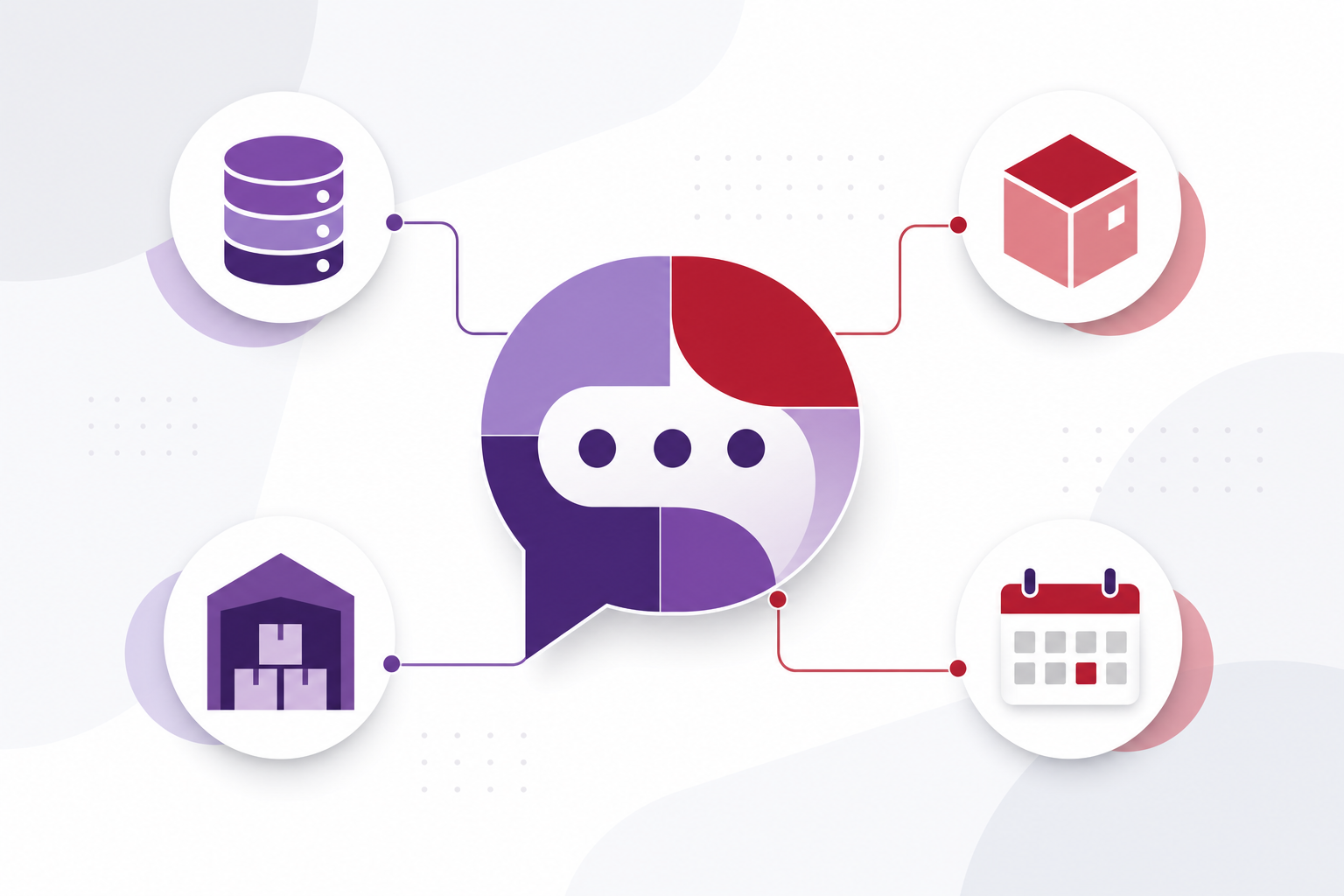
The most common image of a business chatbot is a chat box with a handful of pre-written answers — opening hours, address, return policy. That's a valid use, but far from the full picture. Once a chatbot is connected directly to internal systems (inventory, CRM, orders) instead of just following a fixed script, it starts handling the tasks that eat the most staff time: checking live stock levels, creating an order right inside the conversation, or pre-qualifying leads so sales only needs to call back people who are actually ready.
Three tiers of chatbot use, from basic to advanced
Tier 1: Answering frequently asked questions
The most common and easiest to deploy — the chatbot answers repetitive questions from a pre-written script. The main value is taking load off staff monitoring the fanpage or website outside business hours.
Tier 2: Real-time data lookup
The chatbot connects to inventory or order systems to answer dynamic questions like "do you have this in size M, black" or "where's my order now" — answers pulled from real data, not a fixed script.
Tier 3: Taking action
At the most advanced level, the chatbot doesn't just answer but performs actions: creating an order, booking an appointment, or updating a customer record in CRM directly within the conversation, with no manual staff intervention.
AI chatbots vs. fixed-script chatbots
Rule-based chatbots only answer questions that were pre-programmed by keyword — phrase it slightly differently and the bot doesn't understand. AI chatbots use a language model to understand intent regardless of phrasing, and can handle questions never seen before by looking up real data instead of matching hard-coded keywords. The trade-off: AI chatbots need careful guardrails so they don't answer incorrectly or invent product information, especially around pricing and policy.
When AI chatbots are worth it over a simple script
- Customer questions are varied enough that a fixed script can't realistically cover them all.
- Structured product/inventory data already exists for the chatbot to look up accurately instead of guessing.
- The chatbot needs to run across multiple channels (website, chat apps, social) off one consistent dataset, avoiding inconsistent answers between channels.
- There's budget to monitor and tune the chatbot periodically, since an AI model needs ongoing review to catch drifting or incorrect answers.
Risks to plan for
An AI chatbot giving a wrong answer about price or warranty terms causes real damage if a customer acts on it. The common mitigation is scoping the chatbot to only answer from verified data (live stock, listed prices in the system), and always providing a handoff to a real staff member whenever the chatbot isn't confident in its answer.
Frequently Asked Questions
Can an AI chatbot fully replace customer support staff?
It shouldn't be expected to. Chatbots handle repetitive questions and data lookups well, but complex situations or an unhappy customer still need a real person.
Does deploying an AI chatbot require large amounts of data?
Not the large training datasets needed to build a model from scratch — most solutions today use an existing language model and just need to be connected correctly to the business's own product data and response rules.
Is running an AI chatbot expensive?
Cost is usually based on the number of conversations handled per month, plus the initial integration work into internal systems — worth estimating against real traffic before committing to a long-term plan.
The line between a canned-reply chat box and an assistant that can read real data sits in the integration work. See how we build that part in AI assistants and chatbots.
About Cluvix
Cluvix Solutions builds custom enterprise software — ready-to-use products and tailor-made solutions built around your exact process.
Have a problem to discuss?
Tell us what you're dealing with. We reply within one business day.